
Fleet Manager
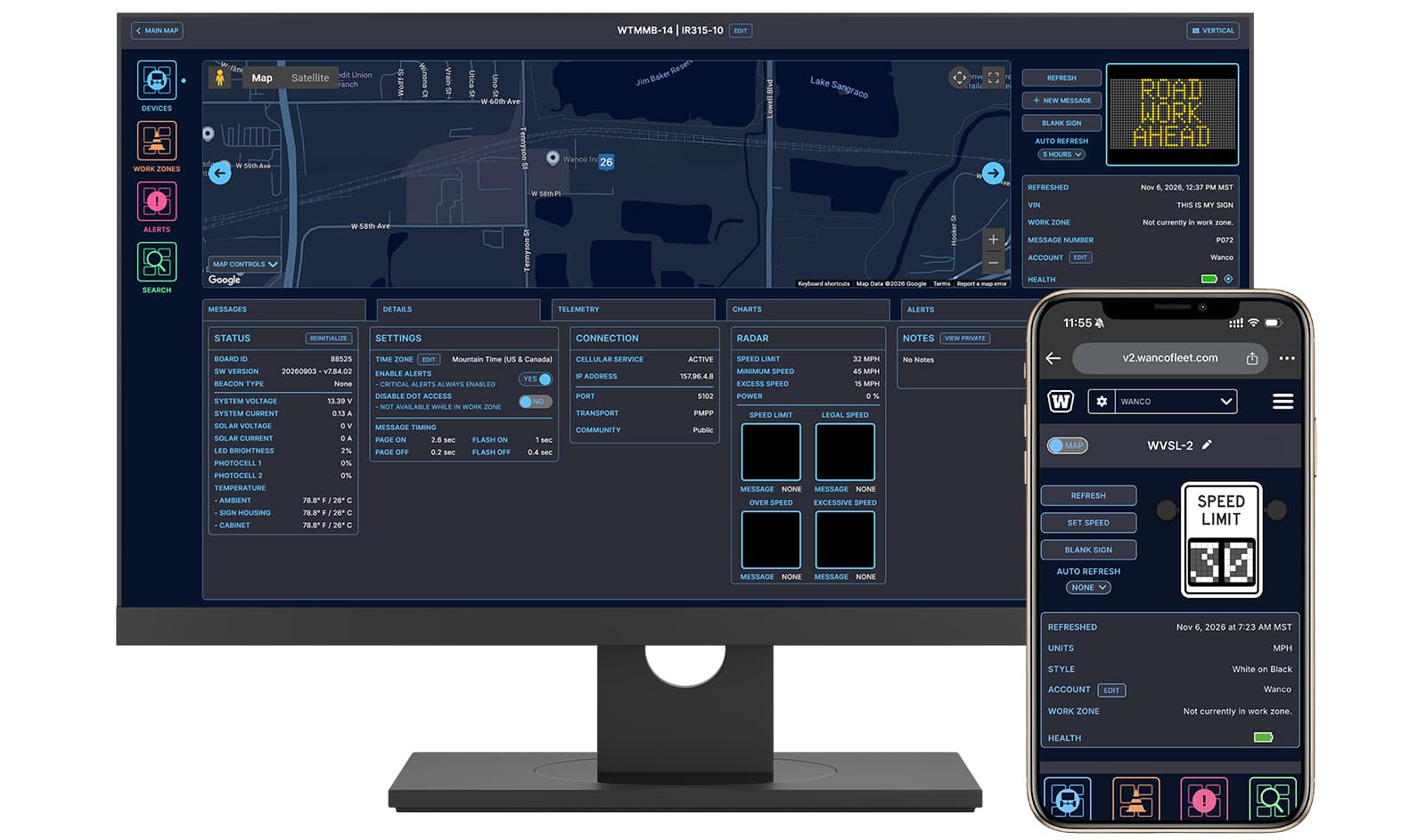
Download BrochureWanco Fleet Manager provides the tools you need to take control of your equipment from anywhere. Using the internet and a secure cellular connection, you can easily configure, organize and monitor your fleet without being physically present at the deployment site.
Whether you manage five or five hundred devices, keeping track of your equipment can present many challenges. Wanco Fleet Manager provides the tools you need to take control of your equipment from anywhere.
Tracking
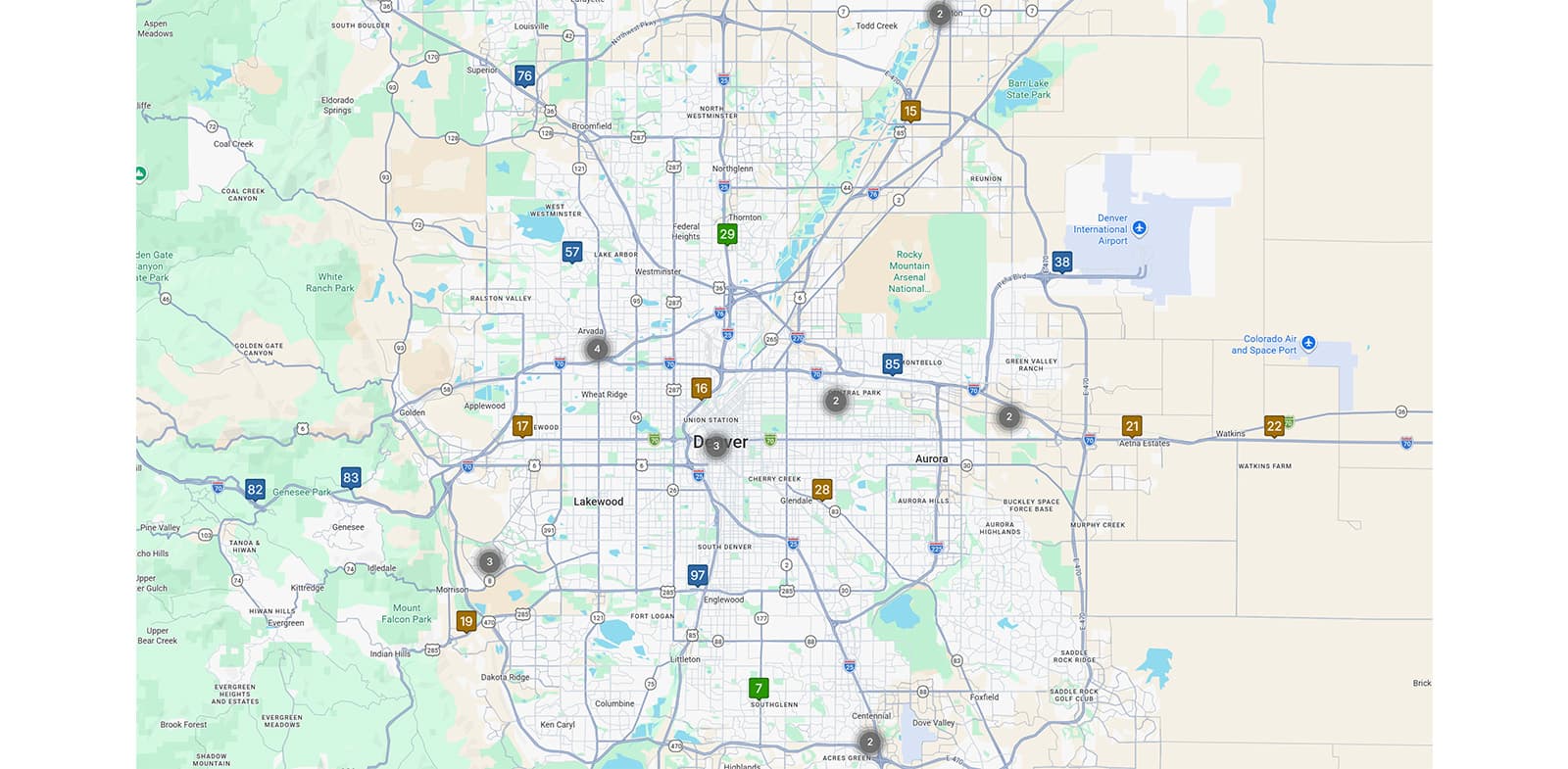
An interactive map provides up-to-date status and location details on all of your Wanco products connected to Fleet Manager. Easily keep tabs on your devices with GPS location markers, battery health indicators, temperature readouts and other telemetry information. Use Fleet Manager’s current and historical data to generate reports that give you a holistic picture of operational health and efficiency over time.
Alerts
Notifications are crucial when a critical change occurs in your device’s functionality. Fleet Manager can help by alerting you to changes in your equipment’s operational status, orientation and location. Set up geofencing to designate your equipment to a specific area and receive a notification when that boundary is breached. Directions to a particular device can be accessed quickly from your phone.
Remote Operation
When configuring a message sign, speed sign or light tower is inconvenient or dangerous, use Fleet Manager to remotely activate and adjust a device. The user-friendly Fleet Manager interface lets you schedule its days and hours of operation. You can also broadcast the same message to multiple signs all at once, such as when a construction detour affects more than one intersection along a stretch of road.
Organization
As your fleet grows, it may become more difficult to track which devices go where. This is when Fleet Manager’s organizational tools stand out. Easily monitor any device by giving it a searchable name and assigning it to a mapped work zone, project or group. Create sub-accounts for customers or project teams, and give groups or individual users specific permissions to access devices.
Save time and get more done from wherever you are with Wanco Fleet Manager.
Features
- Intuitive and navigable interface
- Efficient NTCIP-based scheduling
- Connected and smart work zone capabilities
- Location and status details on your Wanco devices
- Operational health, telemetry reports and more
What's New
- Map filtering Quickly see just the device types or specific units you care about
- Saved message editing Edit saved message sign messages directly
- Scheduling Intuitive scheduling for messages and message sign activity
- Faster performance Fast load times across the platform
Remote Access
Wanco Fleet Manager provides real-time access to equipment health information, including battery charge, alarms and electrical and physical information. Monitor and change messages on message signs, send mass-message broadcasts to multiple signs and more.
GPS Mapping
GPS mapping lets you identify and locate the equipment in your fleet. Geofencing lets you designate specific areas where your equipment is allowed, with notifications and configurable alerts triggered when boundaries are breached.
Organization Tools
You can see your entire fleet using a computer or mobile device. Create lists and groups of equipment, and manage equipment individually or by mapped work zone, project or group. Add and remove equipment as needed. Create sub-accounts for customers or project teams, and give groups or individual users specific permissions.
Compatible Equipment
Access the following equipment when properly equipped:
- Message signs
- Connected arrow boards
- Speed limit signs
- Smart solar light towers
- Vehicles and other equipment with the Wanco Asset Tracker installed, such as light towers and mobile generators